
🔥 Top Pokies at Bunny96 Casino













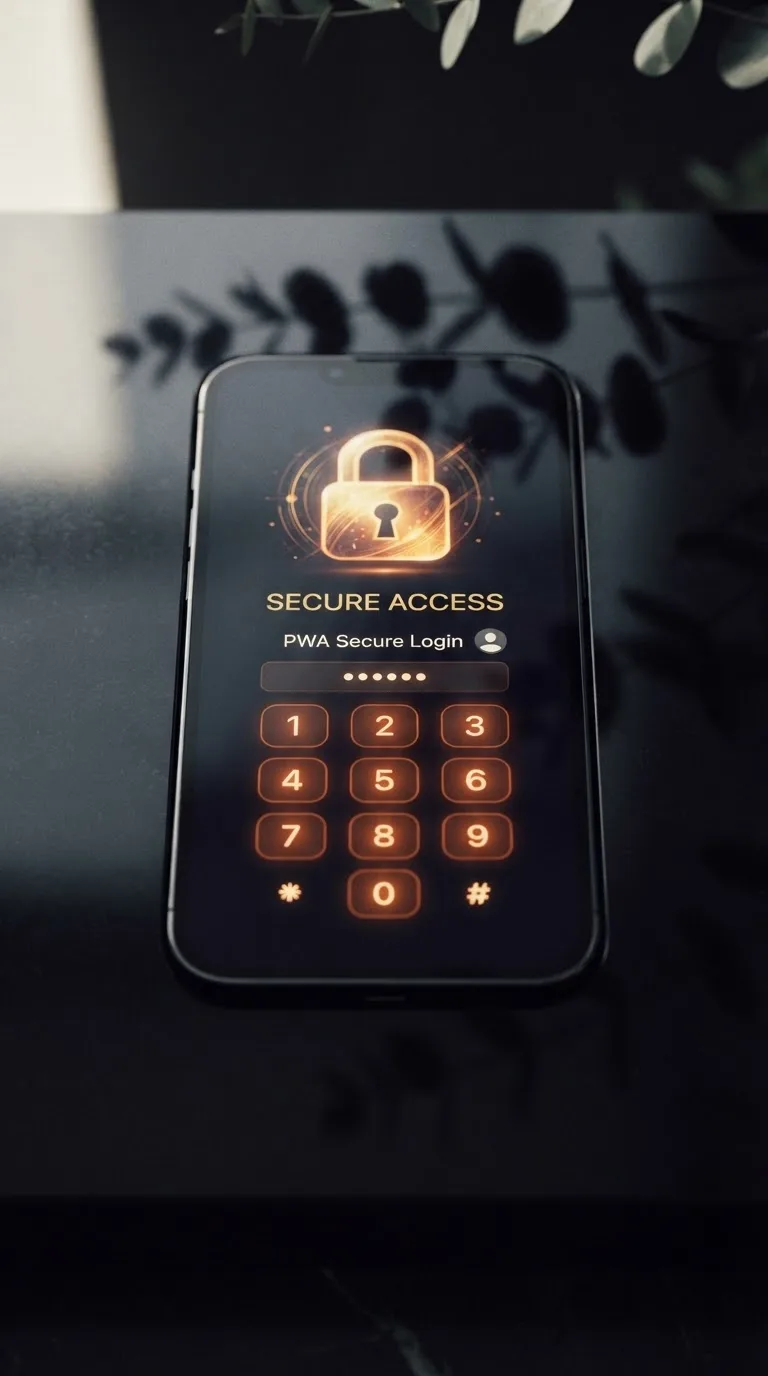
Bunny96 Casino sign in - bank-grade security
Your Bunny96 Casino login gives you fast, secure access to your balance, transactions and recent pokies activity. You can check deposits, follow withdrawal requests and view your play history from one account screen. The official website works on desktop and mobile browsers. Help is available through 24/7 live chat.
Your account also keeps favourite games, current sessions and verification progress together. After signing in, you can return to pokies or table games without searching through the lobby again. PayID deposits and AUD balances appear in the cashier section. Each transaction carries its own date, amount and status.
New punters can complete registration in about two minutes with accurate personal details. Existing players only need their registered username and password for standard access. Bunny96 Casino uses a shorter mobile form to reduce typing on smaller screens. The steps below cover sign-in, account recovery and common browser errors.
Account locked? Contact support in 2 minutes
A Bunny96 Casino account may lock after several incorrect passwords or failed security checks. The temporary block protects your balance while the sign-in activity is checked. Start with 24/7 live chat instead of repeatedly trying different passwords. Have your username and registered mobile number ready before the chat begins.
Standard browser login uses the full sign-in page and supports password managers. Mobile-browser access uses fewer visible fields and larger touch controls. Both routes lead to the same balance, pokies history and account settings. There is no native download requirement because the mobile site runs directly in your browser.
- Open the sign-in page on your usual browser.
- Enter your registered username and current password.
- Complete the security check if one appears.
- Select sign in and wait for your account screen.
- Use live chat if the account remains locked.
Use the same browser and network that you normally use where possible. A sudden device or location change may prompt an extra identity check. Once support confirms your account details, access is typically restored during the chat. Any required documents must be clear, current and match the registration details.
- Desktop browsers support saved passwords and wider account menus.
- Mobile browsers provide larger controls and shorter sign-in forms.
- Both options show the same balance and transaction history.
- No native application is required for mobile access.
Temporary 2FA removal (support required)
Bunny96 Casino support can temporarily remove two-factor authentication after an identity check. This option helps when a phone is lost, replaced or unable to receive codes. A photo ID may be requested before any change is made. Support will never ask you to reveal your current password in chat.
A replacement password must contain at least 12 characters. Use uppercase and lowercase letters, a number and a special character. Avoid names, birthdays, mobile numbers and words connected with your username. A password manager can create and store a different password for this account.
- Use at least 12 characters in the new password.
- Include uppercase, lowercase, numbers and special characters.
- Avoid personal names, birthdays and repeated characters.
- Never reuse a password from another website.
- Save recovery codes away from your usual device.
After support removes 2FA, change the password before opening pokies or the cashier. Sign out from devices you no longer use and then activate 2FA again. This closes old sessions and connects the account to your current phone. The table below explains common lock events and the usual recovery path.
| Reason for lock | Suspension period | Trigger event | Unlock process | Document required |
|---|---|---|---|---|
| Repeated password failures | 15 minutes | Five failed attempts within 15 minutes | Wait, reset the password, then sign in once | None for an automatic reset |
| Incorrect 2FA codes | 30 minutes | Five rejected codes from one device | Check device time or ask live chat for help | Photo ID for a 2FA reset |
| New location check | Until identity confirmation | Sign-in country differs from recent account activity | Confirm account details through 24/7 live chat | Photo ID and proof of address |
| Repeated password resets | 60 minutes | Several reset requests during one hour | Wait for the block to finish, then reset once | Photo ID if the block continues |
| Payment account mismatch | Until details are checked | Payment name differs from the registered player | Confirm ownership with the verification team | Photo ID and payment ownership record |
| Age verification check | Until verification finishes | Registration details fail the age check | Submit current documents through the account prompt | Government-issued photo ID |
| Unusual shared-device activity | 30 minutes | Several accounts attempt access from one device | Complete the security challenge or contact chat | Photo ID may be requested |
| Personal detail mismatch | Until corrected | Name, birth date or address does not match | Ask live chat to start a detail correction | Photo ID and proof of address |
Bunny96 Casino login trust factors explained
Bunny96 Casino shows game rules and return percentages inside the lobby. Gates of Olympus from Pragmatic Play carries an RTP of 96.50%. Its rules explain symbols, pay calculations and feature behaviour before real-money play begins. Punters can check the same information for other pokies through each game panel.
The library contains more than 2400 games from over 30+ studios. Named providers include Playson, Slot Mania, JILI, BGaming and SoftSwiss. Visible provider labels help players identify who produced particular pokies and table games. Search filters also separate reel games, live tables and other categories.
- Per-game rules explain payouts and feature behaviour.
- Provider names appear directly inside the game lobby.
- Account history records completed real-money game rounds.
- Full terms remain accessible before account actions are confirmed.
The sign-in page creates an encrypted connection before credentials are submitted. A closed padlock in the browser address bar indicates that protected connection. Never enter a password after following an unexpected message or third-party page. Open the login page directly and contact live chat if the address looks unusual.
The casino fits in your pocket
Bunny96 Casino runs through mobile browsers, so no native application is required. The mobile sign-in form keeps the username, password and security check within one view. After access, pokies, account history and cashier controls adjust to the screen size. The layout works in current Chrome, Safari and Firefox versions.
Saving the page to your home screen creates a quick-access icon. It opens the mobile site without using storage for a large native download. Pokies use touch controls for spins, menus and paytable access. Rotate the phone if a particular table game needs more horizontal space.
- Use the latest version of your preferred mobile browser.
- Save the login page to your home screen.
- Allow cookies needed for account sessions.
- Avoid saving passwords on shared mobile devices.
Your mobile session provides the same account tools as desktop access. You can inspect play records, verify transaction statuses and manage personal details. Favourite pokies remain linked to the account rather than one device. Visit our mobile play page for browser setup instructions and supported screen settings.
How often should you update your password?
Change your password immediately after a security warning or unfamiliar sign-in. For routine care, update it every 90 days if you use shared devices. A unique password matters more than making small changes to an old one. Replacing one number at the end provides little extra protection.
Your balance is recorded separately from public lobby and game-page activity. Access to transaction records requires an authenticated account session. Staff checks apply before sensitive account details are changed. If a session looks unfamiliar, sign out from other devices and contact 24/7 live chat.
Avoid entering credentials while connected through an unknown public network. Check the address bar before opening the cashier or returning to pokies. Keep your operating system and browser current so security fixes remain active. The table below shows how account-protection checks respond to unusual sign-in activity.
| Security check | Observed signal | Action | Player next step |
|---|---|---|---|
| Recognised device and browser | Successful recent sessions from the same device | Allow standard sign-in | Complete 2FA if an extra check appears |
| Repeated failed access | Five failed passwords within 15 minutes | Block for 15 minutes | Wait, then use one password reset |
| Rapid automated requests | Unusually fast repeated page requests | Show a browser challenge | Complete the challenge or contact live chat |
| New or unusual connection | Sign-in details cannot be matched to recent activity | Request extra identity confirmation | Confirm details through 24/7 live chat |
| Mid-session account change | Account details change during one active session | End the session | Sign in again from the current device |
| Shared or public device signal | Login attempted from a shared or unrecognised device | Require CAPTCHA and 2FA | Complete both checks or ask chat for help |
| Malformed browser request | Request data does not match a normal login | Block for 60 minutes | Clear browser data and retry after 60 minutes |
| Support-approved access | Identity has been checked during account recovery | Allow temporary access | Set a new password before the session ends |
What to do if Bunny96 Casino login won't open
A page-loading error often comes from stored browser data or a changed network route. Start with a refresh before resetting your password or opening a support request. Keep only one login tab open during testing. Several active tabs can create conflicting session cookies.
- Hard-refresh the page with Ctrl and F5 on Windows.
- Clear browser cache and cookies for the login page.
- Disable any VPN or proxy that may trigger an extra location check.
- Open an incognito or private browser window.
- Switch between Chrome, Firefox or Safari.
- Use the mobile browser option on your phone.
After each step, reload the page and attempt one careful sign-in. Repeated guesses may activate the 15-minute password block. Copying the password can also include an unwanted space at either end. Type it manually once before starting a reset.
If the lobby opens but pokies do not load, enable JavaScript and required cookies. Close background tabs to free memory on older phones. A 403 message usually needs a network change, cleared cookies or a fresh identity check. Live chat can inspect the account status without asking for your password.
Account issues? Contact support 24/7
Our 24/7 live chat handles locked accounts, 2FA resets and browser access problems. Open chat from the help menu and give the username linked to your account. Describe the last successful login and the error now shown. Screenshots help when they exclude passwords, payment details and identity documents.
Players without an account can use our two-minute registration form. Enter accurate personal information because later verification checks use those details. Once registered, the same credentials work across desktop and mobile browsers. Your favourites and recent pokies remain connected to that single account.
- Prepare your username and registered mobile number.
- Record the exact error shown on screen.
- Never send your password through live chat.
- Keep requested identity documents clear and current.
Support may ask you to close other sessions before access is restored. Follow each recovery step in the order provided and avoid simultaneous login attempts. Set a new 12-character password after any account recovery. Standard access resumes once the identity and device checks are complete.
Login help FAQ
These answers cover common access errors, saved-password problems and account security checks. Each fix uses the same login route on desktop and mobile browsers. Start with the relevant answer before resetting account details. Contact 24/7 live chat if the suggested step does not resolve the issue.
Keep the exact error message visible while testing a solution. Codes such as 403 indicate a different issue from an incorrect password. Browser errors usually need local cache or network changes. Account blocks require time, identity confirmation or support assistance.
Never share passwords, one-time codes or recovery codes with another person. Our support team does not request those details through chat. Use current browser and operating-system versions during account recovery. Updates often correct sign-in faults caused by outdated security components. For general oversight of online gambling conduct, punters can also check resources from the ACMA or the Gambling Help Online service.
Why is my Bunny96 Casino login disabled from this location?
Access depends on the rules and availability applying to your current location. A VPN, proxy or sudden location change may also start an extra check. Disconnect those services and reload the sign-in page once. Contact 24/7 live chat if the location block remains.
Why is auto-fill not working with Bunny96 Casino?
Your browser may have stored an outdated username or password. Delete the saved entry, reload the page and type both fields manually. Check for an unwanted space after copied text. Save the corrected credentials only on a private device.
Does Bunny96 Casino log me out automatically after inactivity?
Yes, inactive account sessions close after 15 minutes. This reduces access risk when a device is left unattended. Unsaved account-form changes may be lost when the session ends. Sign in again to continue from the account screen.
Why should I keep my operating system updated?
System updates fix security faults that can affect browsers and saved credentials. Older software may also fail newer page-security checks. Install updates through the device's normal settings menu. Restart the device before testing the login again.
How do I fix a Bunny96 Casino login 403 error in 2026?
Clear the browser cache and cookies before reloading the page. Disable any VPN or proxy, then try your regular connection. A private window can identify problems caused by saved browser data. Ask live chat to check account access if the error continues.
Why is my Bunny96 Casino VIP status inactive?
The VIP ladder runs from VIP1 to VIP10. Status can remain inactive while eligible account activity or verification checks are being updated. Sign out, wait for the account page to refresh, then sign in again. Live chat can check the current tier if it remains unchanged.
How does the age verification check work at Bunny96 Casino?
An account is restricted when age information fails the required check. Access remains limited while current identity documents are examined. The registered name and birth date must match the submitted photo ID. Live chat can explain which account prompt needs attention.
Is 2FA mandatory for high-value accounts at Bunny96 Casino?
Two-factor authentication is required when an account receives enhanced security checks. High-value account activity can trigger that requirement. Keep the authentication device and recovery codes in separate secure places. Support can reset 2FA after completing an identity check.